TIME STRETCH
Make the sound fit.
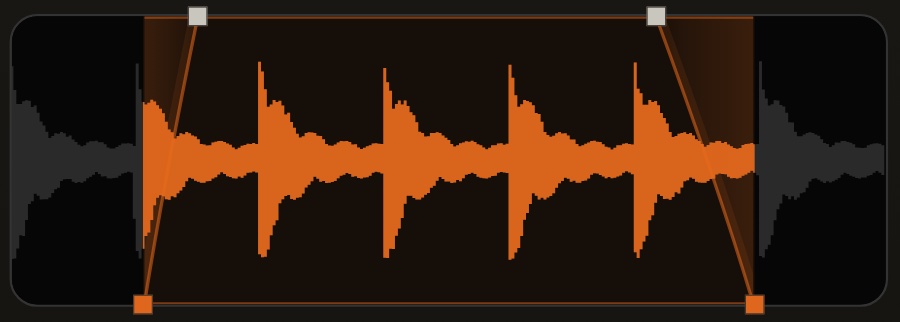
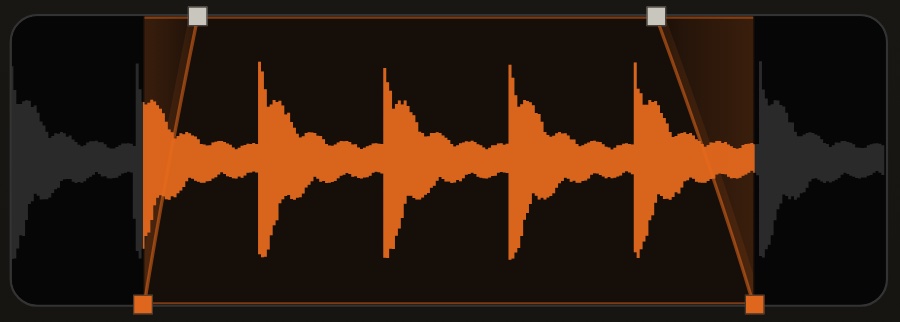
Change a sample’s length without changing its pitch. Use the waveform handle or FIT TO BPM, on one pad or the current group of eight.
Time Stretch guide ↗ A POCKET INSTRUMENT.
SAMPLER. SEQUENCER. PERFORMANCE.
YOUR POCKET BEAT MACHINE.
A hands-on sampler, sequencer and performance machine. Built for beats. Designed for your pocket.
App Store release coming soon.


Coming soon to the App Store.
01 — FROM SOUND TO SOMETHING YOURS
THE CREATIVE WORKFLOWFind a sound.
Make it your own.
Import a WAV. Record a new idea. Trim, fade and pitch it into place. Let Auto Chop find your starting points, then put your hands on the details.
AUTO KEY
GØ-404 analyzes your samples on A9–A16 and automatically tunes the bass and instruments to match. Sample, play and create.
Drum hits or musical phrases. Auto Chop keeps those workflows distinct, with manual editing when you want the final say.
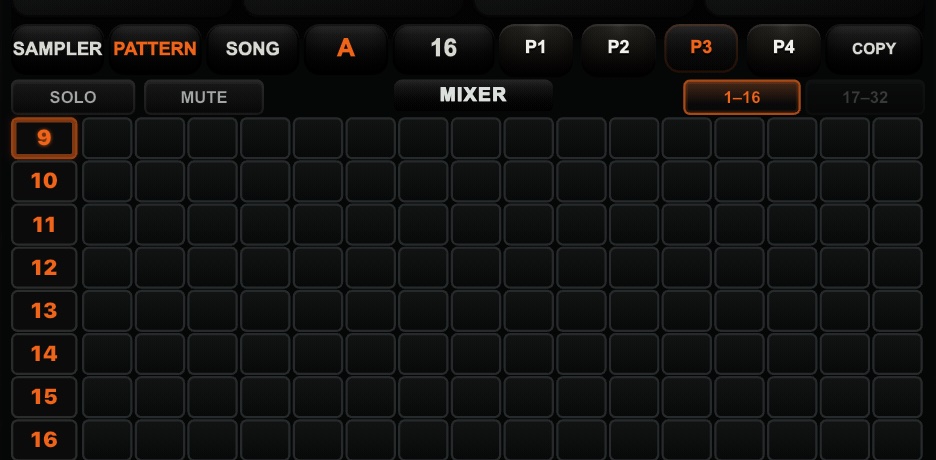
Four patterns, Song Mode, swing and bass pads. Start with a drum kit, find a new variation with DRUMS, and build the rhythm, bass and melody together.
Explore patternsTIME STRETCH
Change a sample’s length without changing its pitch. Use the waveform handle or FIT TO BPM, on one pad or the current group of eight.
Time Stretch guide ↗SIDECHAIN
Let a chosen bank A pad duck your samples, bass or instruments. Shape the amount and release, per pad or for the group.
Sidechain guide ↗BANK B / BASS & INSTRUMENT
Two playable voices across bank B. Choose a sound, shape it in SOUND and FX, and build notes into your beat.
Explore bank B ↗MIDI LEARN
Connect by USB-C or a Lightning USB host adapter. Map supported pads, buttons and knobs, then keep your controller setup for the next session.
Connect & learn ↗02 — VINTAGE SOUND ENGINES
TEXTURE, BY CHOICE.Three distinct vintage-inspired sampling characters. Bring classic digital texture and character to your sound.
A grainier digital texture for drums, chopped phrases and sounds that want a little less polish.
A distinct vintage-inspired character. A different way to shape the feel of a bass phrase, a chord or a drum hit.
A more focused sampling character for when you want a different finish without giving up the identity of the source.
Choose per pad. Keep your original source.
Vintage-inspired characters, not claims of identical hardware emulation.
03 — TONE & PERFORMANCE FX
TEXTURE. MOVEMENT. CHARACTER.TONE FX
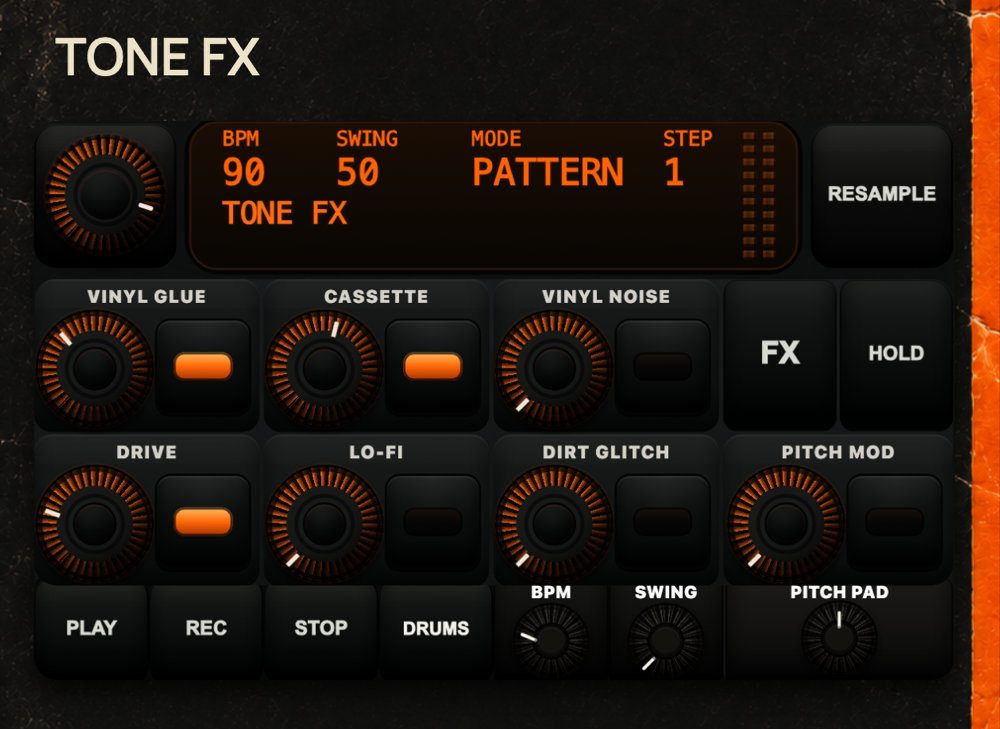
Vinyl warmth, cassette colour, saturation and gritty texture. Shape the sound before you take it into the next performance.
PERFORMANCE FX
Sweep, filter, echo and loop the beat in real time. Combine LOOPER with MUTE DRUMS. Use HOLD FX to keep an effect engaged while your hands make the next move.
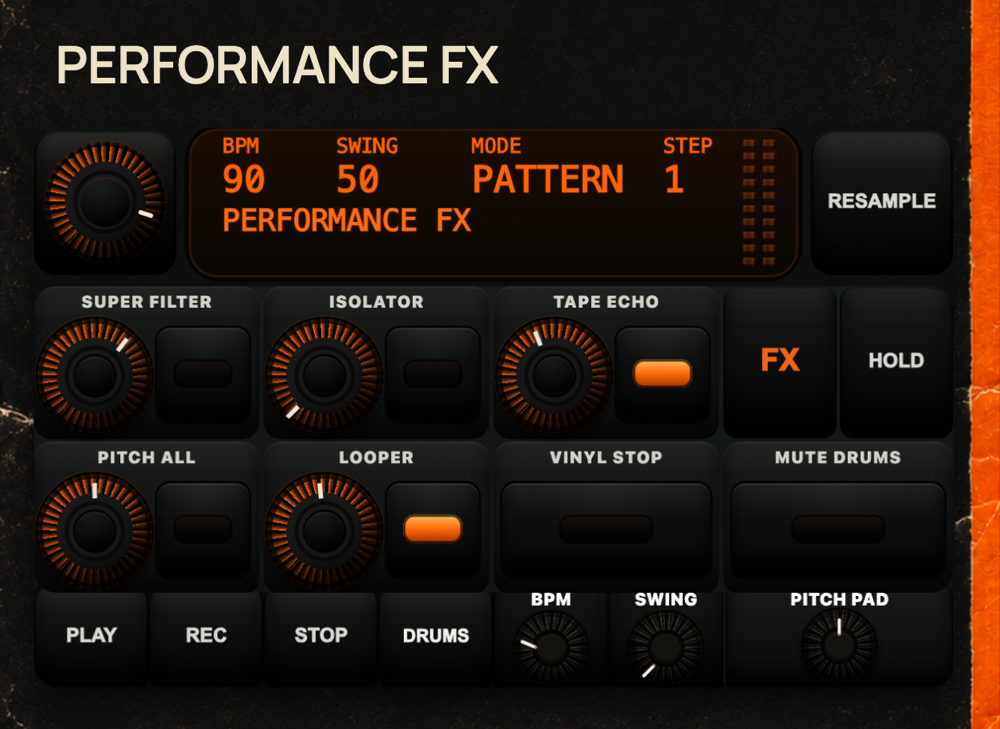
HOLD FX Keep an effect engaged.
FLIP IT. RESAMPLE IT.
Resample a pattern, a song or a live pass with performance FX. Reuse the result, or open PAD EDIT → RESAMPLE to print one processed sound into another pad while keeping the source. See both resampling workflows ↗
04 — GO BEYOND THE PATTERN
PERFORM. CAPTURE. REUSE.GØ TURNTABLE
FREE TO SCRATCH. PRO TO GO FURTHER.
FREE: 2 scratch slots. PRO: 4 scratch slots + performance recording. Load your own sounds, work the crossfader and cut them over your beat.
GØ GRAB PRO
OLD IPHONE. NEW IPHONE.
SAME FREEDOM.
Capture audio from supported apps on both older and newer iPhones. Save it, chop it, and flip it into your next beat.
One library for GØ GRAB, USB takes and scratch recordings. Search, preview and trim your audio. Load it into SAMPLER for chopping, or into a TURNTABLE slot for your next cut.
Connect a compatible USB audio input by USB-C or a Lightning USB host adapter. Check the input, press REC, then STOP → CRATE. Keep the take in your sample library and use it in your next beat.
Capture only audio you own or have permission to use. Protected content and source apps may restrict recording. USB audio compatibility varies; USB audio is not MIDI.
Capture & USB help05 — A MACHINE THAT IS YOURS
START WITH THE GROOVE.The core beatmaking workflow stays free. PRO adds capture, organization and more ways to take your work further.
PRO includes all 4 TURNTABLE slots and performance recording. Subscription plans and localized prices are shown by Apple in the app.
MAKE IT YOURS.
Start with the included GØ DUST kit. Add GØ STREETS or bring your own samples. Choose a faceplate that feels like your machine.
The catalog also contains separately purchased drum and faceplate packs. Store availability will be confirmed at release.
YOUR NEXT BEAT
DOESN’T NEED TO WAIT.